

HOW SANDEESA WORKS
Everything you need to create it yourself.
From choosing a theme to sending personalized invitations, Sandeesa Studio keeps your complete invitation experience in one place.
Start with a draft. Make it yours before you publish.


DESIGN
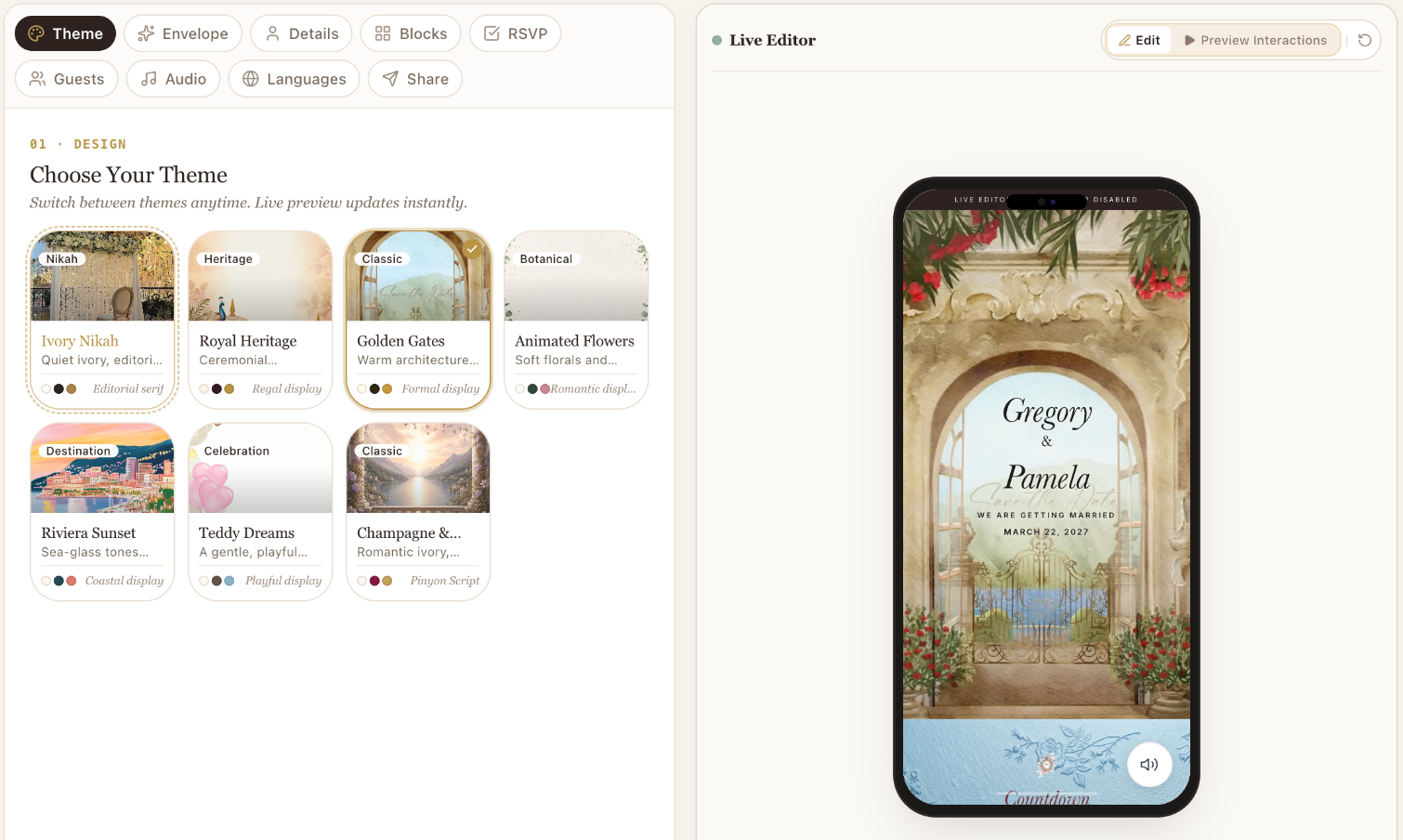
Pick Your Theme
Find the visual direction that feels like you.
Browse Sandeesa’s invitation themes and see each design in the live preview. Start with the mood of your celebration, then make it your own.
- Compare editorial, cinematic and playful styles
- Preview themes beside your editor
- Switch themes while keeping your invitation details
PRESENTATION
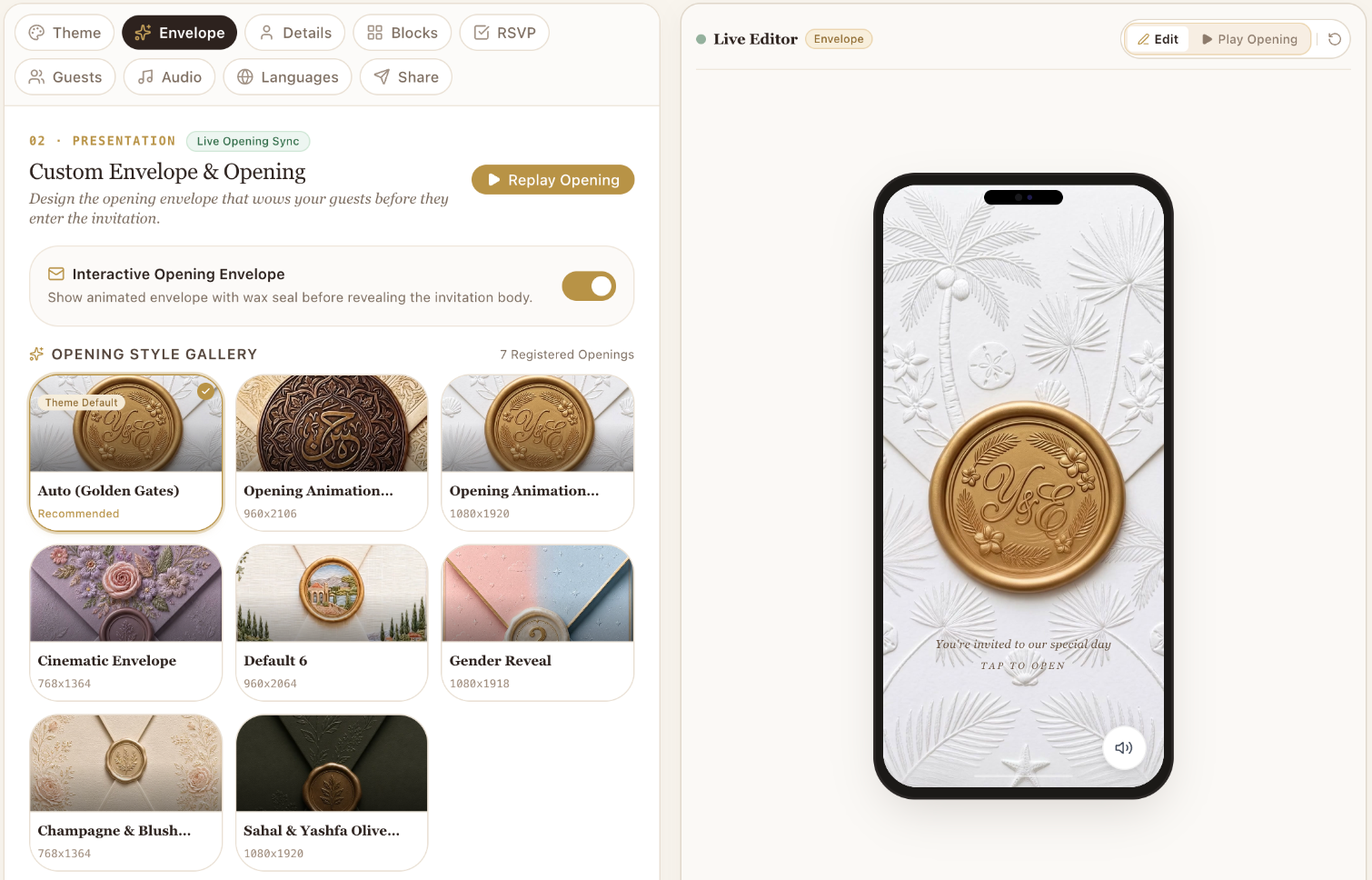
Create Your Opening
Make the first few seconds memorable.
Choose how your invitation welcomes guests. Explore envelopes, wax seals and animated openings, then replay the experience before you decide.
- Explore the opening-style gallery
- Try the recommended opening for your theme
- Replay the entrance in the live preview
PERSONALIZATION
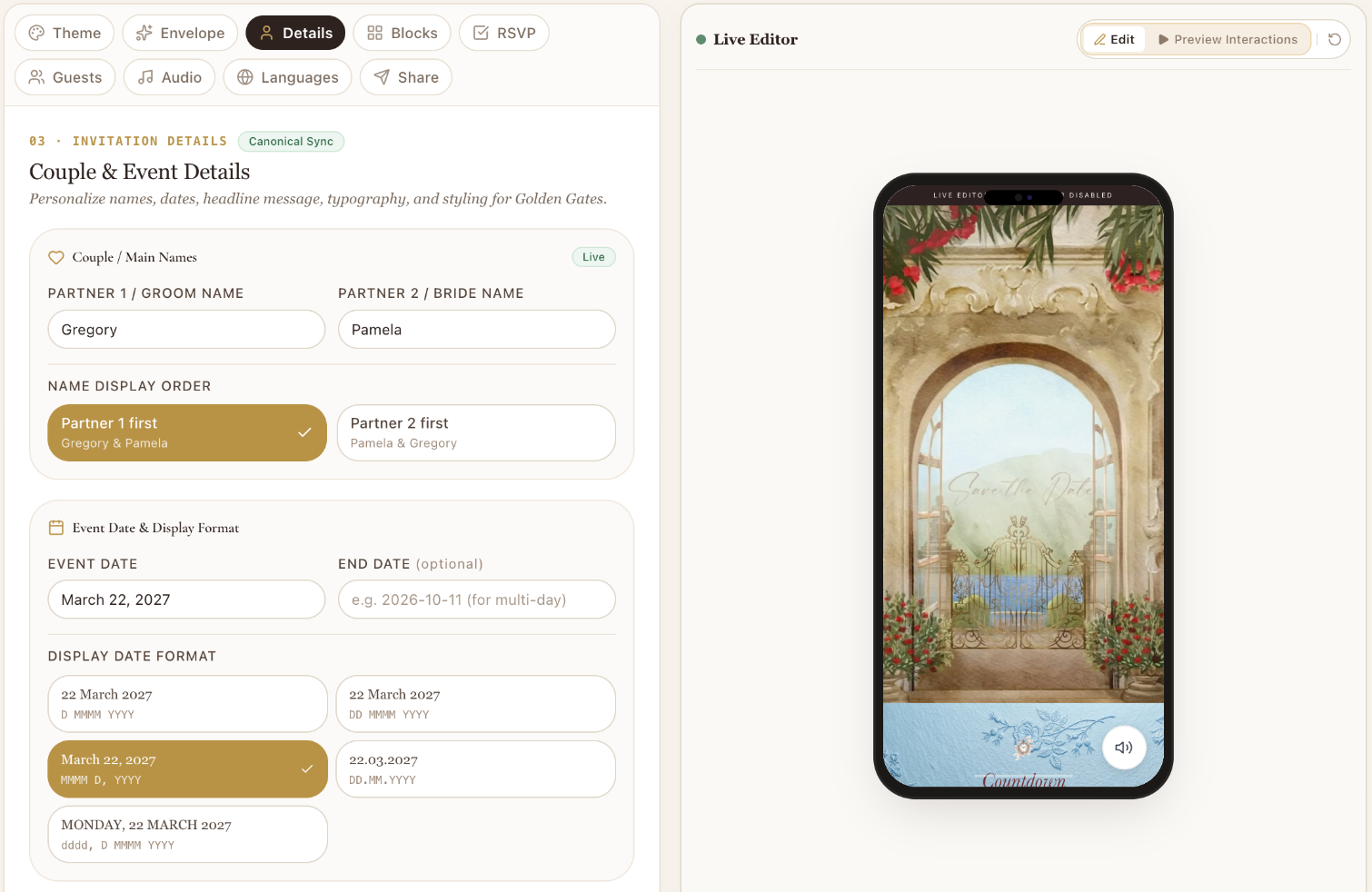
Personalize Every Detail
Your celebration, your wording.
Add your names, date, time and invitation wording. Refine the typography and core details while seeing your changes alongside the editor.
- Set your names and celebration date
- Write your invitation’s opening message
- Refine typography with a live preview
MODULAR DESIGN
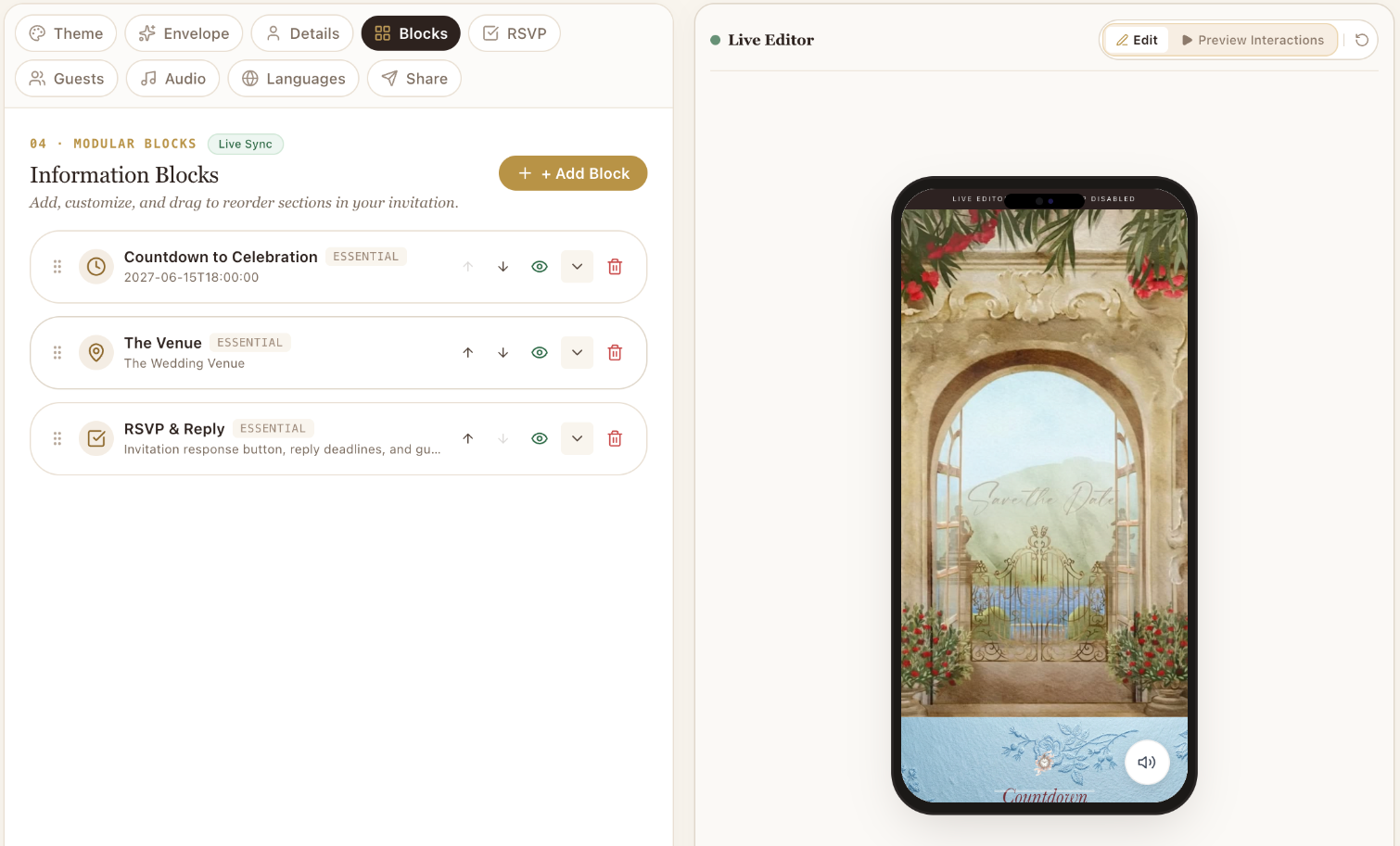
Build Your Invitation
Arrange the story your way.
Bring your celebration together with flexible invitation sections. Add the information guests need, edit each block and arrange the experience in your preferred order.
- Add countdown, venue and RSVP sections
- Show or hide blocks as your plans take shape
- Reorder sections and review the result live
RESPONSES
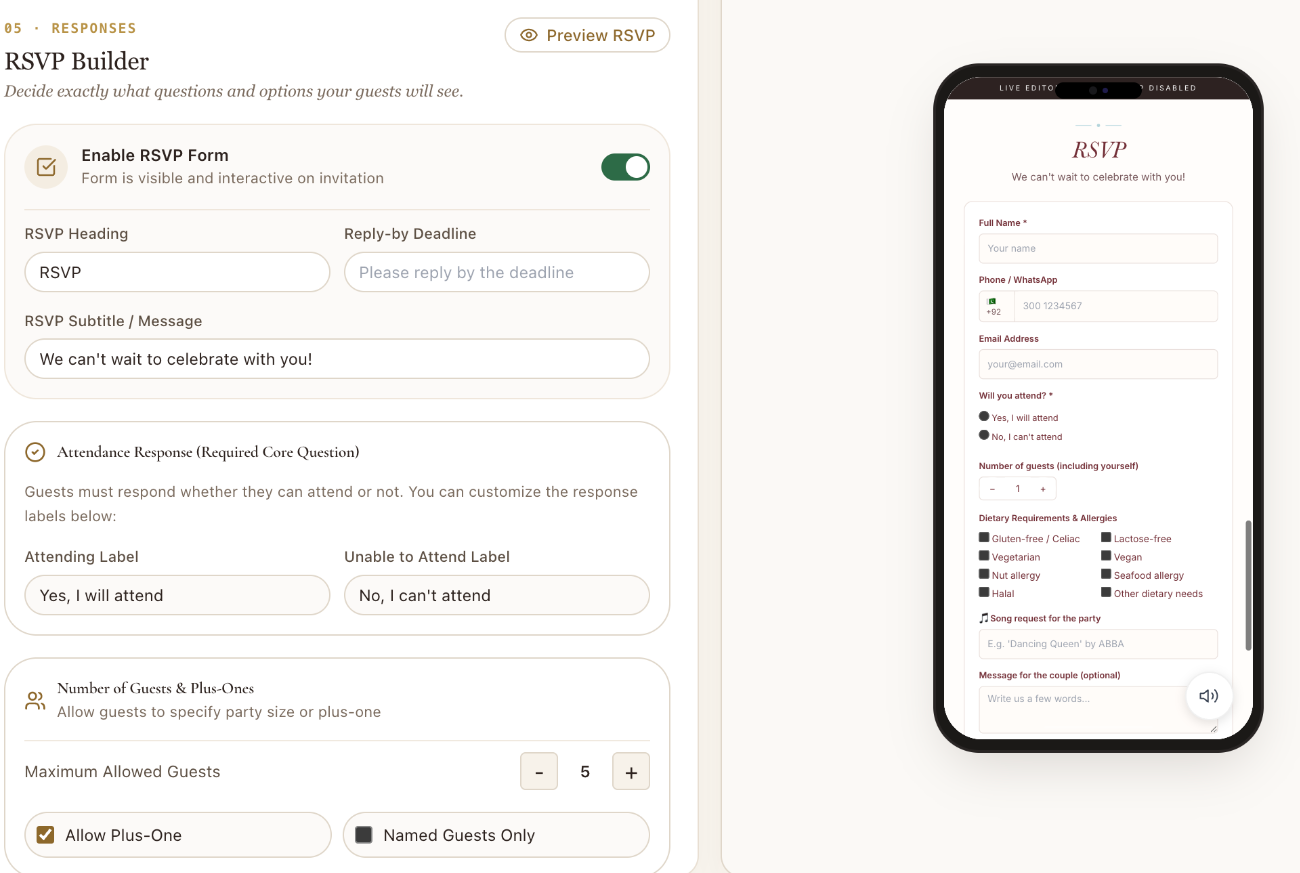
Customize Your RSVP
Ask exactly what you need to know.
Shape your response form around your celebration. Collect attendance and party details, with optional questions for the information that matters to you.
- Configure attendance, party sizes and plus-ones
- Ask about dietary needs, songs and messages
- Add custom questions where your plan supports them
GUEST MANAGEMENT
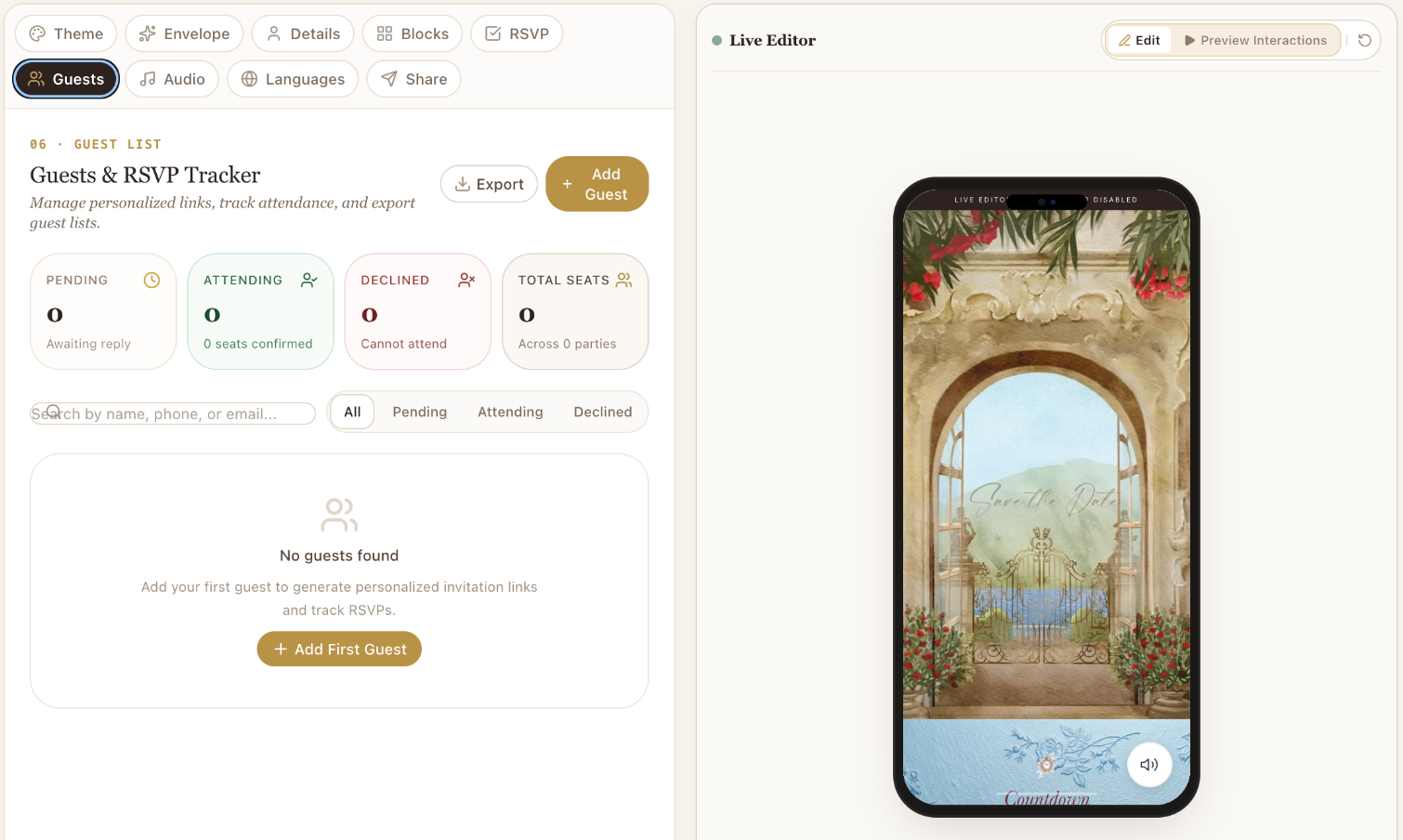
Manage Guests Personally
Invite people personally, not generically.
Keep your guest list and responses in one place. Add guests, manage party sizes and follow attendance without losing track of the people behind each invitation.
- Manage guests and household party sizes
- Review pending, attending and declined responses
- Use personalized links and guest CSV tools on supported plans
ATMOSPHERE
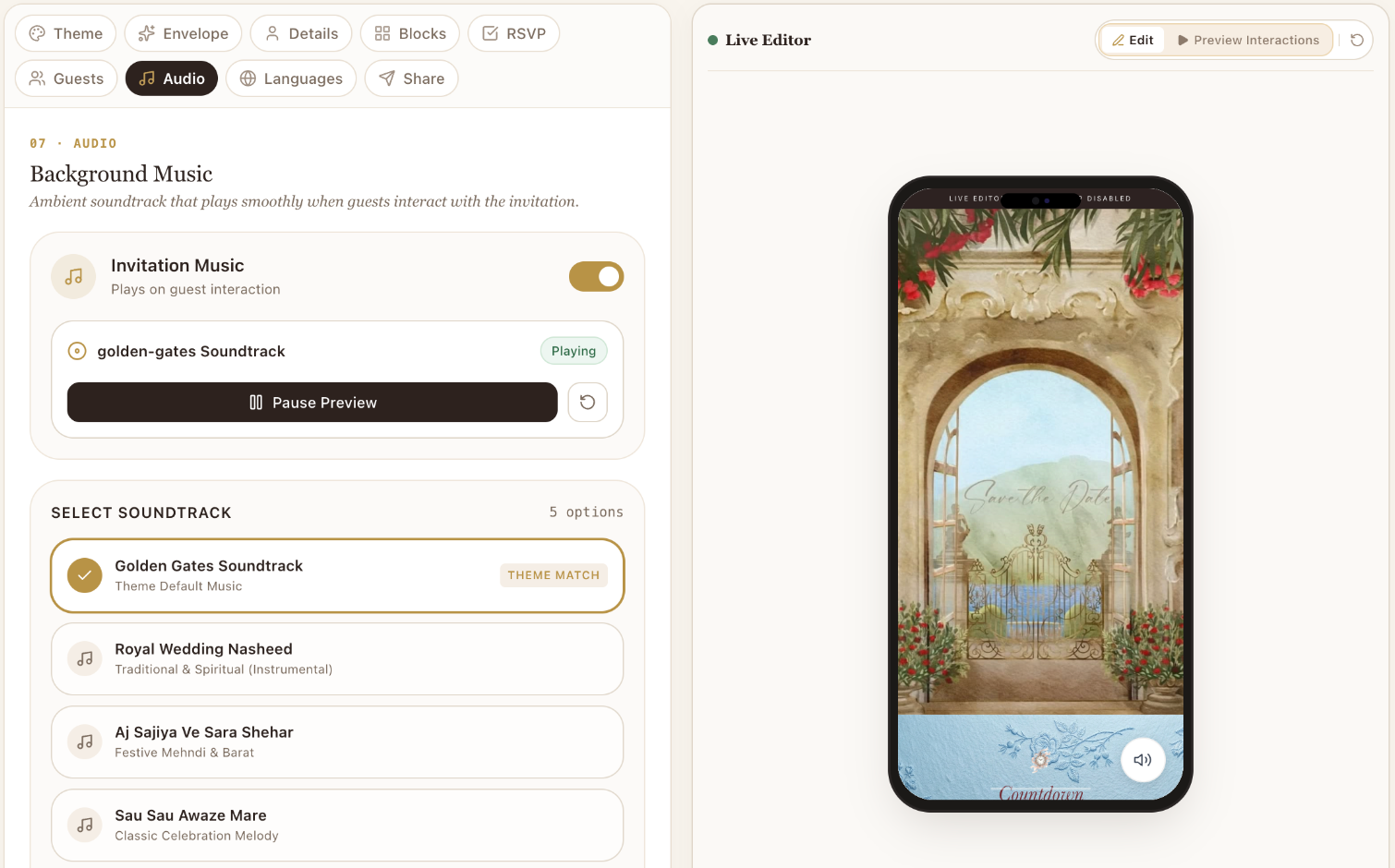
Choose Your Soundtrack
Set the atmosphere before guests read a word.
Explore the available theme soundtracks and preview the mood they create. Music remains part of a guest-initiated experience, with custom audio available on supported plans.
- Preview available theme soundtracks
- Guest-initiated playback controls
- Use custom audio on supported plans
LOCALIZATION
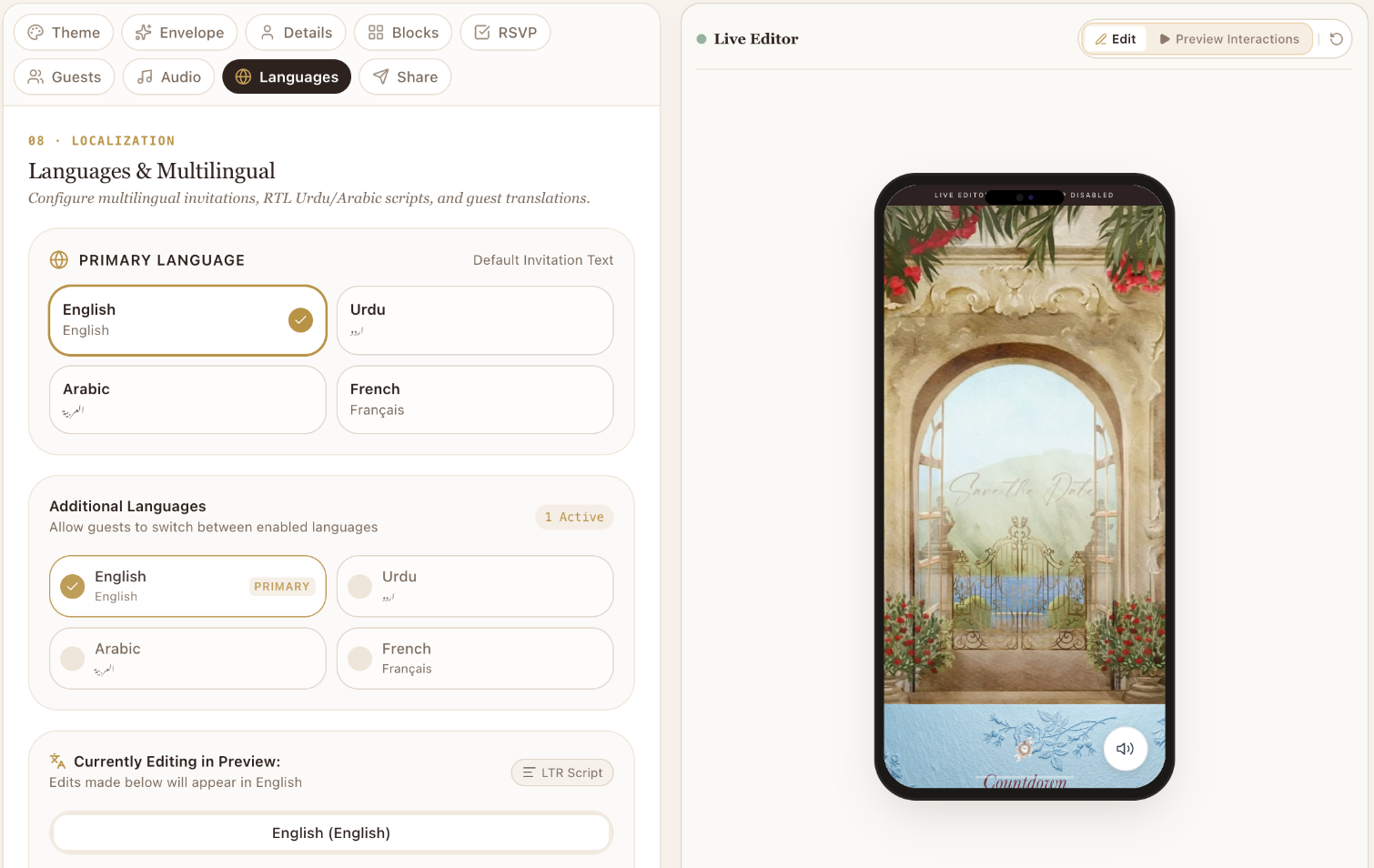
Make It Multilingual
Celebrate in the language your families speak.
Work with English, Urdu, Arabic and French invitation content. Switch the active editing language, refine your wording and preview the presentation before sharing.
- Edit localized invitation content
- Preview right-to-left layouts where applicable
- Publish with the languages included in your plan
GO LIVE
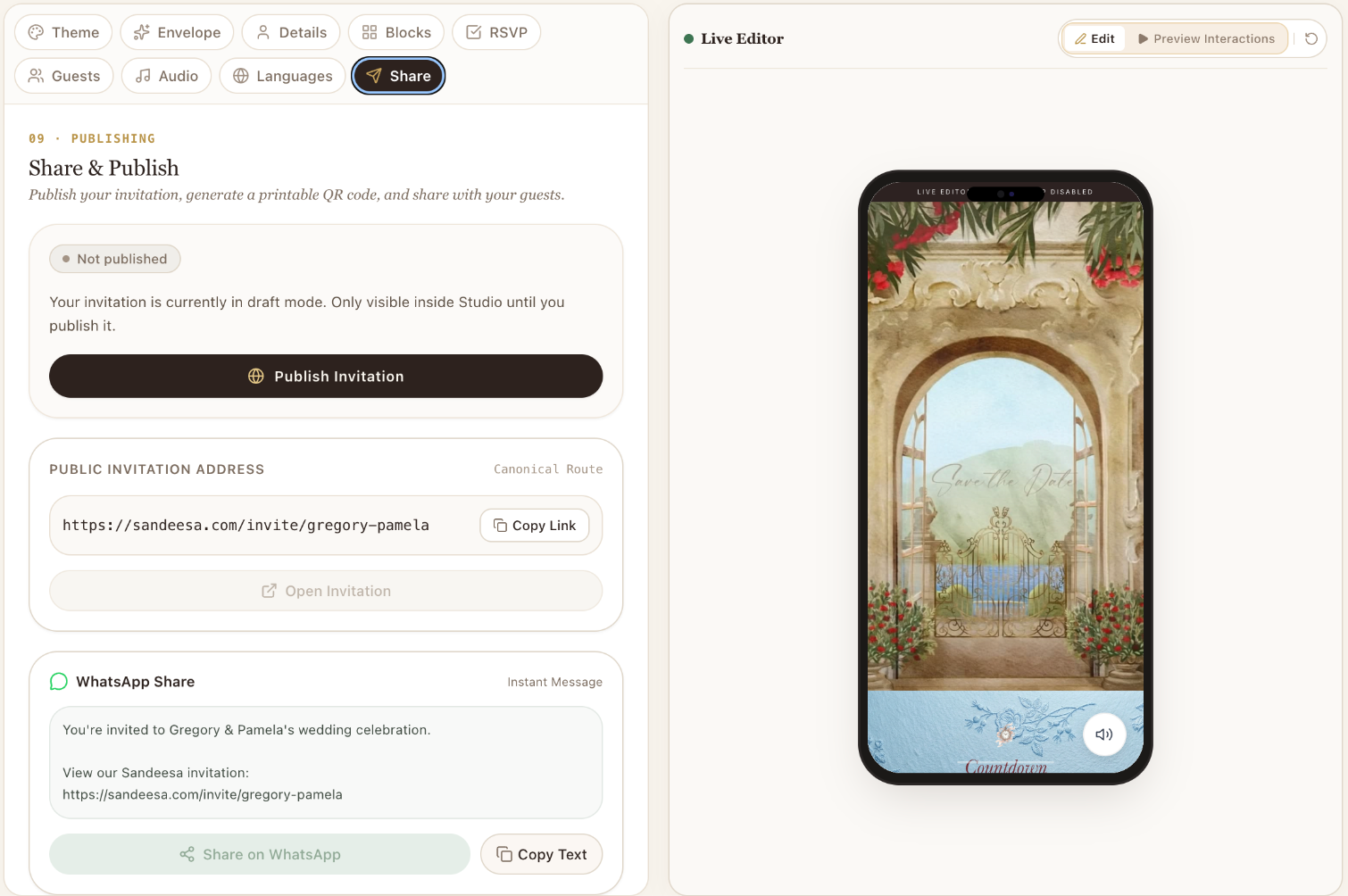
Publish & Share
Go live when everything feels right.
Start with a private draft and perfect the details before publishing. Choose the plan your invitation needs, then share the published link with your guests.
- Build and preview before purchasing
- Copy your published link or share on WhatsApp
- Use QR sharing where your plan supports it
MAKE SOMETHING PERSONAL
Your invitation starts as a draft. Make it yours.
Explore Studio, perfect your details and choose a paid plan only when you’re ready to publish.
Draft creation and preview are available now. Online checkout is not live yet; contact Sandeesa for current publishing arrangements.